
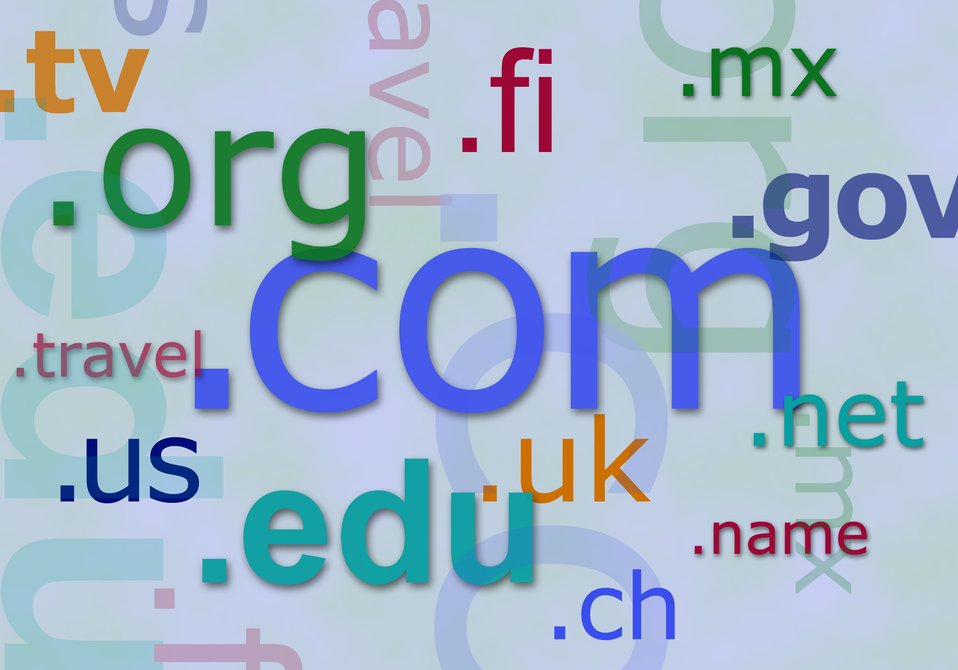
Every website you visit has an address, and almost every one of them is a domain name. You type a handful of letters, press enter, and the right page appears. It feels effortless, but a quiet bit of internet plumbing makes it work.
Understanding domains is the first step to understanding how the web is put together, and it matters whether you are starting a business, a blog or simply trying to tell a real website from a fake one.
What a domain name is
A domain name is a human-friendly label that points to a particular place on the internet, so you can reach a website by typing words instead of a string of numbers.
Computers do not actually find each other using names. They use numerical addresses. A domain name is a convenient stand-in for one of those numbers, in the same way a contact name in your phone saves you from memorising the digits behind it. When you type dailyjunction.org, your device quietly looks up the matching number and connects you. That lookup is handled by a separate system, explained in our guide to how DNS works.
The point of a domain is memorability. bbc.co.uk is easy to remember and type; the number it points to is not.
How a domain is structured
Domains are read right to left, in increasingly specific chunks separated by dots. Take shop.example.co.uk:
- Top-level domain (TLD): the part after the final dot. Here it is
uk. Common examples include.com,.org,.netand country codes like.uk,.fror.de. - Second-level domain: the name you choose, here
example. This is the part most people think of as "the domain". - Subdomain: anything in front, here
shop. Subdomains let you carve out separate areas, such asblog.ormail., without registering a whole new name.
In the UK you will often see .co.uk, which behaves as a single TLD for everyday purposes. The combination of your chosen name plus the TLD is what you actually register and what must be unique across the whole internet.
| Part | Example | What it does |
|---|---|---|
| Subdomain | shop | Optional section of a site |
| Second-level | example | The name you pick |
| Top-level (TLD) | co.uk | The category or country |
Domain versus URL
People use these terms loosely, but they are not the same. The domain is the core address, such as example.com. A URL (uniform resource locator) is the full web address that wraps around it, including the https:// protocol at the front and often a path at the end, such as https://example.com/about. The domain is one ingredient in the longer URL.
A domain is the name of the building. The URL is the full directions, including which floor and room you want.
Who runs the system
No single company owns the domain system. A non-profit body called ICANN oversees the global framework and the master list of top-level domains. Individual TLDs are managed by registries — for example, Nominet manages .uk domains in Britain.
You, the customer, do not deal with the registry directly. Instead you go through a registrar, a company accredited to sell and manage domain registrations. The registrar takes your details, checks the name is free, and records your claim with the registry. When choosing a registrar it is worth comparing renewal prices, not just the cheap first-year offer, and checking what management tools and support you get.
You register a domain, you do not buy it
This trips up a lot of newcomers. You never own a domain name outright and forever. Instead, you register the exclusive right to use it for a set period, typically between one and ten years, and you renew to keep it.
Two practical consequences follow:
- If you forget to renew, you can lose it. Once a registration lapses and any grace period ends, the name becomes available for anyone else to register. Businesses have lost valuable domains this way. Turn on auto-renew and keep the payment card current.
- Your contact details matter. Registration records tie the domain to you. Keep the email address on the account up to date, because that is how a registrar reaches you about renewals and security issues.
Choosing a good domain name
If you are picking one, a few principles go a long way:
- Keep it short and memorable. Easy to say, easy to type, hard to misspell.
- Favour clarity over cleverness. Avoid hyphens and numbers where you can, since they are easily lost when a name is spoken aloud.
- Pick a sensible TLD. A UK business often wants
.co.ukor.uk; an organisation might prefer.org. Match the ending to who you are. - Think ahead. A name tightly tied to one product can feel limiting later if your plans grow.
A domain often becomes part of your wider identity online, so it is worth treating as carefully as the rest of your personal brand or business name.
Domain, hosting and security
A domain on its own does nothing; it simply points somewhere. To run a website you also need hosting — server space where your site's files actually live — and you connect the two so the domain directs visitors to your host. Many people buy them from the same provider, but they remain separate things.
Domains also matter for safety. Scammers register lookalike names — swapping a letter or adding a word — to impersonate trusted brands in scam messages and fake sites, a common cybersecurity trap. Before entering a password or card details, glance at the domain in the address bar and check it is exactly the one you expect, character for character.
The bottom line
A domain name is the readable address that lets you reach a website by typing words rather than numbers. It is structured right to left, from the top-level domain down through your chosen name to any subdomains, and it forms the heart of every URL.
You register a domain rather than buying it forever, so renewals and accurate contact details keep it yours. Choose something short and clear, remember that the domain is separate from the hosting behind it, and always check the address carefully before you trust a site with anything sensitive.
Frequently asked questions
What is a domain name in simple terms?
It is the friendly address of a website that you type into a browser, such as bbc.co.uk. It stands in for a numerical internet address that computers use behind the scenes, so people can use words instead of numbers.
Do I own a domain name forever once I buy it?
No. You register the right to use it for a fixed term, usually one to ten years, and you must renew before it expires. If you let it lapse, someone else can register it.
What is the difference between a domain and a URL?
The domain is the core address, such as example.com. A URL is the full web address that includes the protocol and often a path, such as https://example.com/contact. The domain is one part of the URL.
Is a domain name the same as web hosting?
No. The domain is your address; hosting is the server space where your website files live. You typically buy them separately, then connect the two so the domain points at your host.
Join in — free. Comments on Daily Junction are for members, so real names stay rare and bots stay out.
One field. We email you a 6-digit code — no password needed. Your comment is kept while you do it.
Under 13? You’ll need a parent’s OK first — it takes them one click.